
Starlight Projector
Fill a chill world with animated light patterns that reach both the environment and player avatars.
Interactive VRChat world projector with animated stars, hearts, caustics, plasma, synced controls, AudioLink, and Light Volumes shadow support.


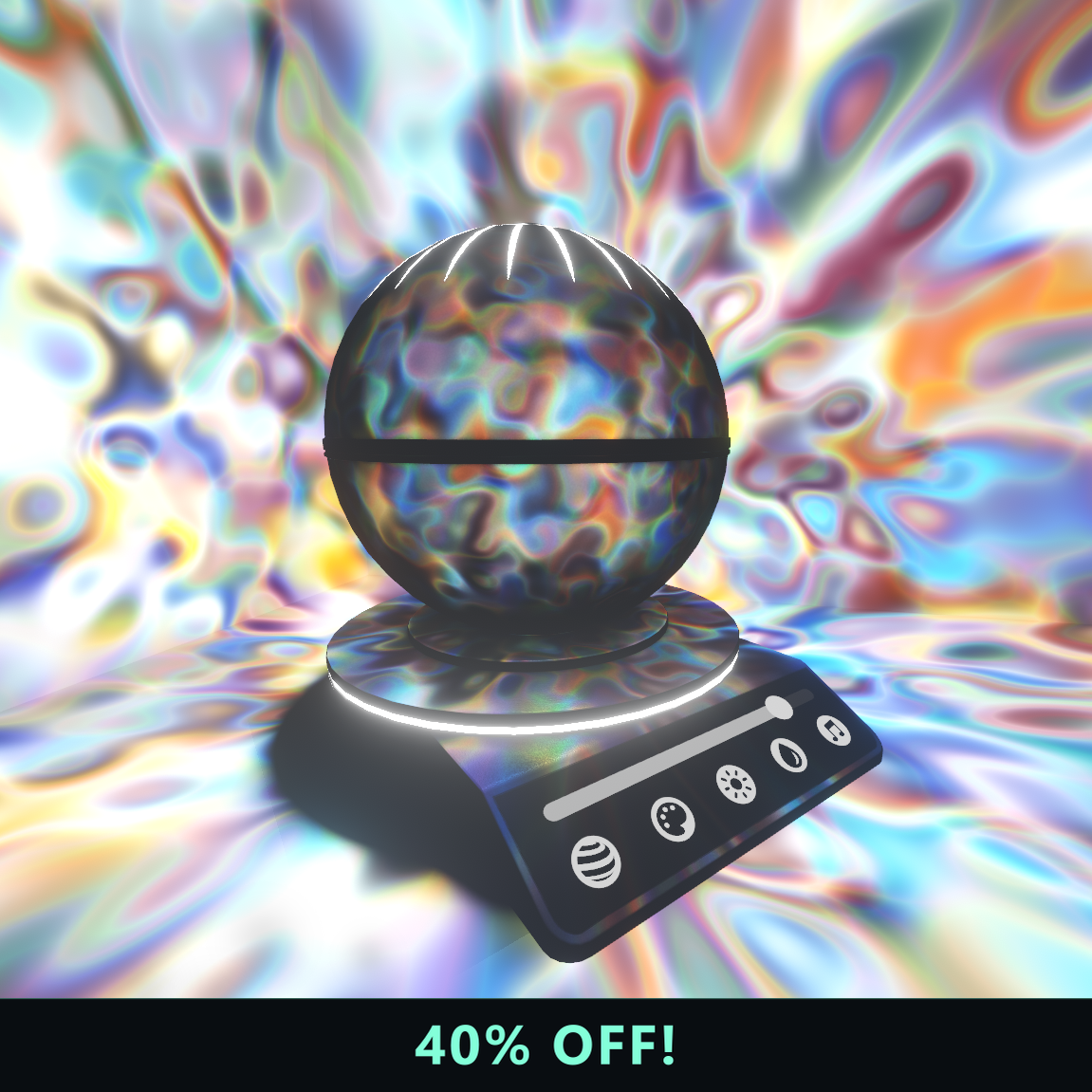
Multiple animated projection presets with full color control
Player-synced UI for presets, color, and AudioLink influence
Baked and realtime shadow workflows through VRC Light Volumes 3.0.0
Overview
Starlight Projector is an interactive prefab for atmospheric VRChat worlds. It projects animated cubemap effects across the scene and onto player avatars using the Animated Cookies workflow introduced in VRC Light Volumes 3.0.0.
Main features
- Stars, dots, hearts, water caustics, plasma, and other projection effects
- In-world UI for selecting presets and adjusting colors
- Support for custom presets
- Synchronized controls for all players
- Adjustable AudioLink influence
- Static placement or use as a grabbable VRC Pickup
- Baked-shadow and realtime-shadow prefab variants
- Projection remains visible on shaders using older VRC Light Volumes versions from 2.0.0 onward
How it works
Each material preset provides an animated cubemap that VRC Light Volumes projects throughout the scene. The synchronized controller changes presets, colors, and AudioLink response. With compatible VRC Light Volumes 3.x shaders, EVSM shadows keep occluded areas dark on both world geometry and avatars.
Specifications
Installation
- Add the RED_SIM VPM repository to VCC if it is not already installed:
https://redsim.github.io/vpmlisting/index.json. - In VRC Creator Companion, open Settings → Packages and enable Show Pre-Release Packages.
- Open Manage Project and install the latest
VRC Light Volumes 3.0.0-devpackage. - Import the Starlight Projector
.unitypackage. - Open
Assets/RED_SIM/Starlight Projector/and add one of the supplied prefabs to the scene:Starlight ProjectorStarlight Projector Realtime Shadows
- Add a VRC Pickup component if the projector should be grabbable. Without it, the projector remains static.
- Install and configure AudioLink in the world if audio-reactive control is required.
Performance notes
The realtime-shadow prefab is expensive and is intended only for lightweight, highly optimized PC worlds. Avoid realtime shadows on Quest and mobile. EVSM shadow response also requires the receiving shaders to support VRC Light Volumes 3.x; older Light Volumes shaders can still receive the projection itself.
Starlight Projector License
Redistribution with paid assets and repackaging or re-bundling are prohibited. Commercial use requires a license for each customer.
Short terms
- Redistribution with paid assets is prohibited.
- Repackaging or re-bundling the asset is prohibited.
- Commercial use requires a separate license for each customer.
Refer to the BOOTH listing for the current complete terms and package scope.